Building High-Performance Next.js Apps with React Server Components, Streaming, and Suspense
November 30, 2025
Introduction
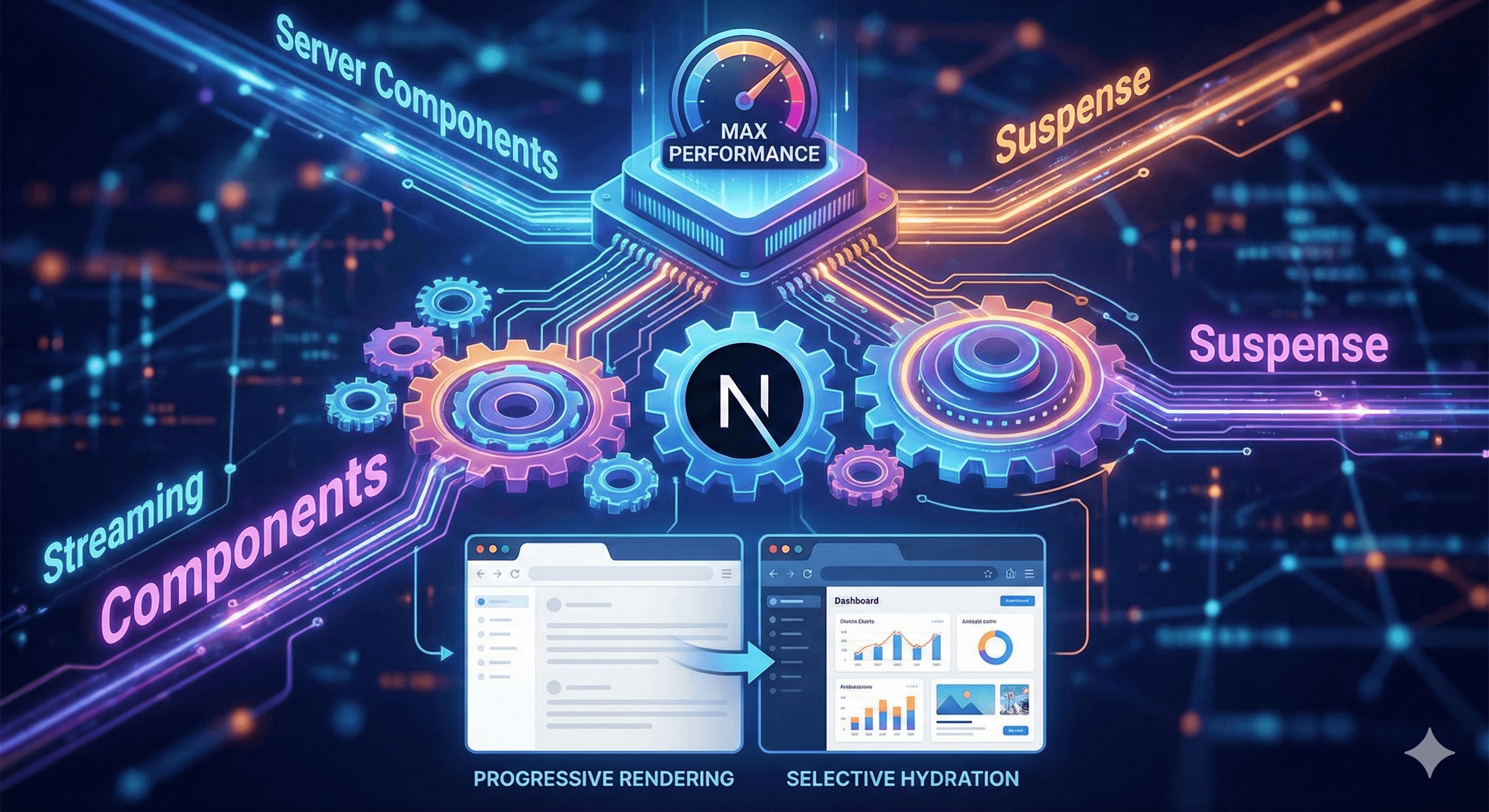
So you want to build blazing-fast Next.js applications? That's awesome! React Server Components, Streaming, and Suspense are honestly game-changers. They're not just buzzwords - they're the foundation of modern, high-performance web applications.Here's what makes this so exciting: you can now build apps that load instantly, stream content progressively, and ship way less JavaScript to the client. It's like having superpowers for web performance.In this tutorial, we're going to build a production-ready Next.js application that leverages:
React Server Components - Render components on the server, reduce bundle size
Streaming SSR - Send HTML in chunks as it's ready
Suspense Boundaries - Show loading states while data fetches
Selective Hydration - Only hydrate what's needed, when it's needed
Progressive Enhancement - Works even if JavaScript fails
By the end, you'll understand how to build applications that feel instant, even when loading complex data.
Why This Matters in 2025
Let me tell you why this is so important right now. Traditional React apps have a problem: they send everything to the client, wait for JavaScript to load, then render. This creates:
Large JavaScript bundles - Everything ships to the client
Slow Time to Interactive (TTI) - Users wait for hydration
Poor Core Web Vitals - Bad LCP, FID, and CLS scores
Wasted resources - Rendering things that don't need interactivity
Server Components solve this by:
Rendering on the server - HTML is ready immediately
Reducing bundle size - Only ship what needs interactivity
Streaming content - Show things as they're ready
Better SEO - Content is in the HTML from the start
Now let's make this even better with streaming. The magic happens when you wrap async components in Suspense:
// app/dashboard/page.tsx
import { Suspense } from 'react';

// Simulate different loading times
async function getFastData() {
  await new Promise(resolve => setTimeout(resolve, 500));
  return { message: 'Fast data loaded!' };
}

async function getSlowData() {
  await new Promise(resolve => setTimeout(resolve, 2000));
  return { message: 'Slow data loaded!' };
}

async function getMediumData() {
  await new Promise(resolve => setTimeout(resolve, 1000));
  return { message: 'Medium data loaded!' };
}

// Fast component
async function FastSection() {
  const data = await getFastData();
  return <div className="p-4 bg-green-100 rounded">{data.message}</div>;
}

// Medium component
async function MediumSection() {
  const data = await getMediumData();
  return <div className="p-4 bg-yellow-100 rounded">{data.message}</div>;
}

// Slow component
async function SlowSection() {
  const data = await getSlowData();
  return <div className="p-4 bg-blue-100 rounded">{data.message}</div>;
}

export default function DashboardPage() {
  return (
    <div className="container mx-auto p-8">
      <h1 className="text-3xl font-bold mb-8">Dashboard</h1>

      <div className="space-y-4">
        {/* These stream independently! */}
        <Suspense fallback={<div className="p-4 bg-gray-100 rounded animate-pulse">Loading fast...</div>}>
          <FastSection />
        </Suspense>

        <Suspense fallback={<div className="p-4 bg-gray-100 rounded animate-pulse">Loading medium...</div>}>
          <MediumSection />
        </Suspense>

        <Suspense fallback={<div className="p-4 bg-gray-100 rounded animate-pulse">Loading slow...</div>}>
          <SlowSection />
        </Suspense>
      </div>
    </div>
  );
}
What's happening here? Each Suspense boundary streams independently! The fast section appears first, then medium, then slow. Users see content progressively, not all at once.
Step 3: Building a Real-World Example
Let's build something more realistic - a blog with multiple data sources:
Notice how each section loads independently? Categories appear first (600ms), then Featured Posts (800ms), then Recent Posts (1200ms). Users see content progressively!
Step 4: Combining Server and Client Components
Now let's add interactivity. We'll create a Client Component that works with Server Components:
// app/products/[id]/page.tsx
import { AddToCartButton } from '@/components/AddToCartButton';

async function getProduct(id: string) {
  await new Promise(resolve => setTimeout(resolve, 500));
  return {
    id: parseInt(id),
    name: `Product ${id}`,
    price: 29.99,
    description: 'This is a great product!',
  };
}

export default async function ProductPage({ params }: { params: { id: string } }) {
  const product = await getProduct(params.id);

  return (
    <div className="container mx-auto p-8">
      <h1 className="text-3xl font-bold mb-4">{product.name}</h1>
      <p className="text-2xl text-gray-600 mb-4">${product.price}</p>
      <p className="mb-6">{product.description}</p>

      {/* Client Component used in Server Component */}
      <AddToCartButton productId={product.id} productName={product.name} />
    </div>
  );
}
This is the pattern: Server Components fetch data, Client Components handle interactivity. The Server Component renders the product data, and the Client Component handles the button click.
Step 5: Advanced Streaming Patterns
Let's explore some advanced patterns. Here's how to handle errors with error boundaries:
If you have a slow API, wrap it in Suspense so other content can render:
// Fast content renders immediately
<FastContent />

// Slow content streams when ready
<Suspense fallback={<SlowContentLoading />}>
  <SlowContent />
</Suspense>
Common Pitfalls and Solutions
Pitfall 1: Accidentally Making Server Components Client Components
Problem: Adding
'use client'
to components that don't need it.Solution: Only add
'use client'
when you need interactivity or browser APIs.
Pitfall 2: Not Using Suspense Boundaries
Problem: All content waits for the slowest data source.Solution: Wrap each async component in its own Suspense boundary.
Pitfall 3: Fetching Data Sequentially
Problem: Waiting for each API call to finish before starting the next.Solution: Use
Promise.all
to fetch in parallel.
Pitfall 4: Poor Loading States
Problem: Generic loading spinner causes layout shift.Solution: Create skeleton loaders that match your content structure.
Deployment Considerations
When deploying:
Enable Streaming: Make sure your hosting provider supports streaming (Vercel, Netlify do)
Monitor Performance: Use tools like Vercel Analytics or Lighthouse CI
Test Core Web Vitals: Ensure LCP, FID, and CLS scores are good
Optimize Images: Use Next.js Image component for automatic optimization
Bundle Analysis: Use
@next/bundle-analyzer
to check bundle sizes
Conclusion
Congratulations! You've learned how to build high-performance Next.js applications with React Server Components, Streaming, and Suspense. Here's what we covered:
✅ Understanding Server vs Client Components
✅ Implementing streaming with Suspense
✅ Building real-world examples
✅ Combining Server and Client Components
✅ Advanced patterns and optimizations
✅ Performance best practices
The combination of Server Components, Streaming, and Suspense creates applications that:
Load instantly
Stream content progressively
Ship minimal JavaScript
Provide excellent user experiences
Start with these patterns and iterate. Your users will thank you!
Next Steps
Experiment: Try different Suspense boundary placements
Measure: Use performance tools to see the impact
Optimize: Identify slow data sources and wrap them in Suspense
Seriously, thank you for spending your time here. If you made it to the end, you’re the kind of person who cares about craft, not just quick fixes.If you’d like to support my work, pick one (no pressure). It genuinely helps me keep writing and improving these tutorials.