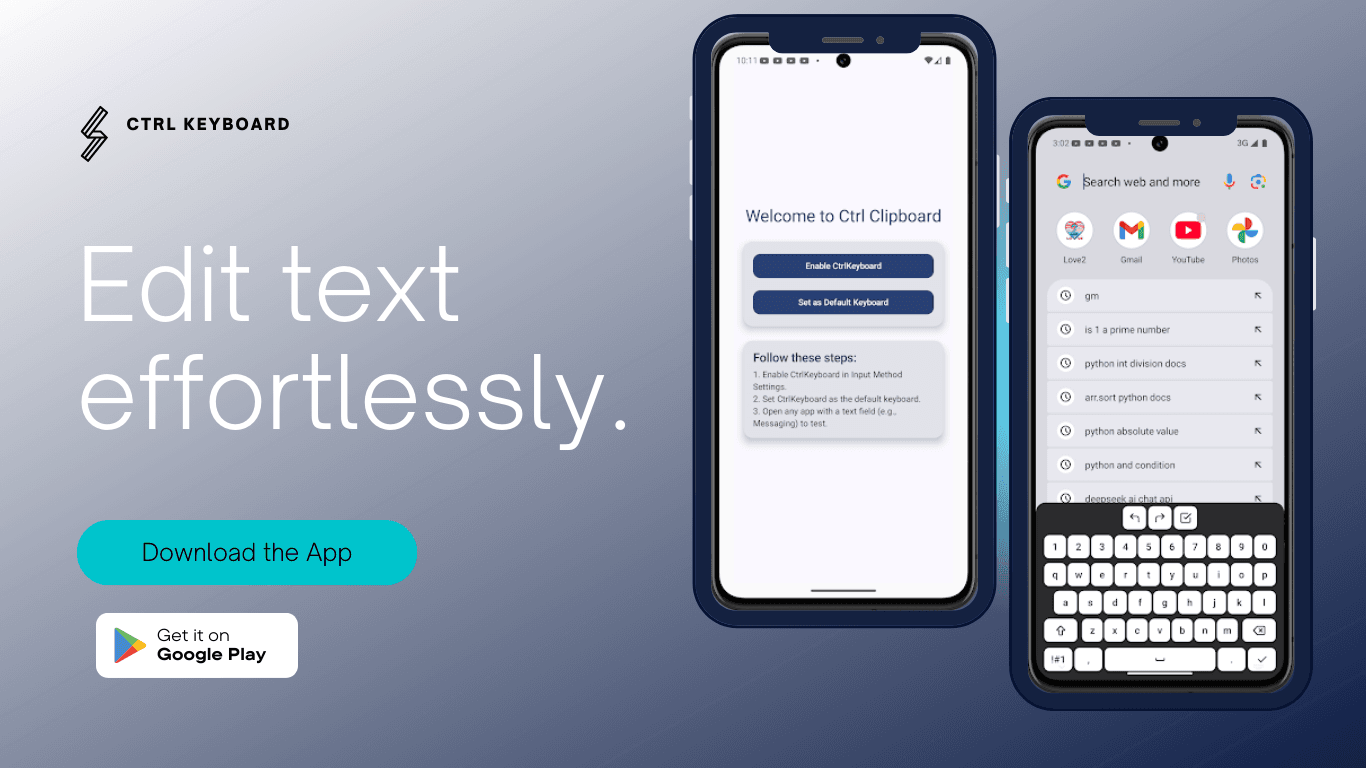
CtrlKeyboard looks like a small app, but building a keyboard is systems work: it’s always running, it touches everything you type, and users can feel even tiny latency spikes.This project focused on reliability and performance first: careful input handling, predictable state management, and an offline-only design that avoids unnecessary permissions and data collection. The goal was simple—make text editing power features (undo/redo, select all, cut/copy/paste) feel instant and dependable.The frontend is the proof of full‑stack craft here: a clean Jetpack Compose UI on top of the underlying input system, designed to stay responsive under real typing conditions.
Key Features
Advanced Text Editing Controls:
Undo & Redo: Revert or reapply changes effortlessly while typing.
Select All: Instantly select the entire text for quick modifications.
Cut, Copy & Paste: Improve clipboard management for a smooth workflow.
Lightweight & Optimized for Performance:
Minimal resource usage, ensuring a fast and responsive typing experience.
Built with Jetpack Compose for smooth UI interactions.
Privacy-Focused & Offline Usage:
No data tracking or cloud storage of keystrokes.
Works completely offline, requiring no unnecessary permissions.
Technologies Used
Kotlin & Jetpack Compose: Modern UI framework for building smooth and responsive UIs.
Android Jetpack Components: Ensuring efficient app lifecycle and state management.
MVVM Architecture: Helps maintain a scalable and modular codebase.
SharedPreferences: Stores user preferences locally for better customization.
Challenges and Learnings
Custom Keyboard Input Handling: Addressed Android-specific limitations to ensure smooth and accurate typing.
Optimizing UI/UX: Focused on creating an intuitive keyboard layout while keeping it lightweight.